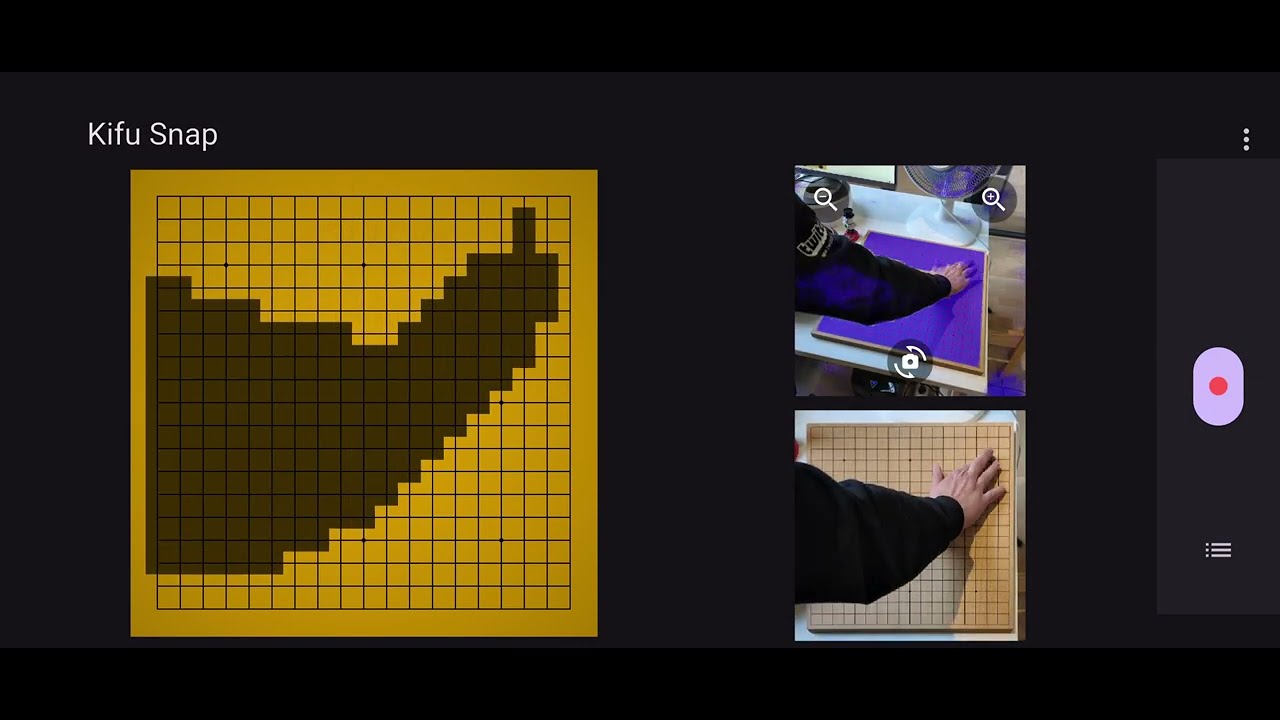
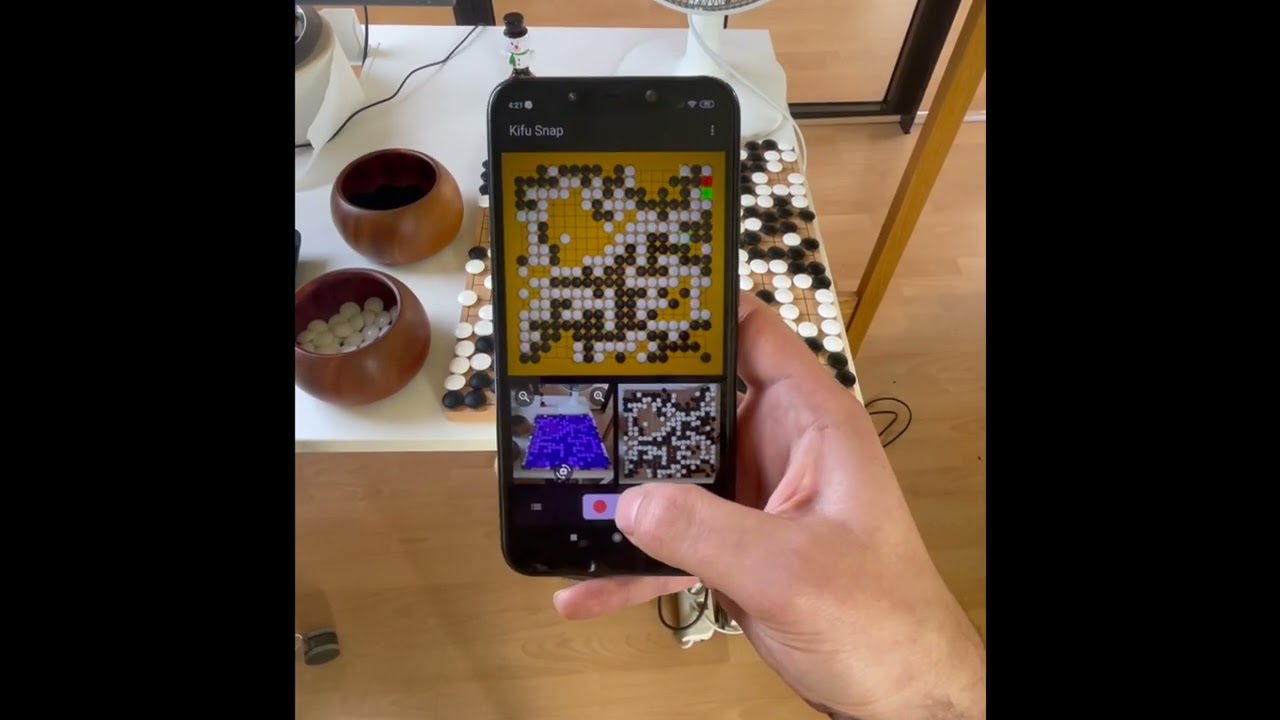
I am glad to announce the future release of our Kifu Snap cell-phone app, for Android and iOS. With this app, you will be able to record your game from a video stream, or simply use AI to analyze or score a go-board photo. Kifu Snap will also include the possibility to broadcast a game live on OGS.
The release date is not set yet, but it should be at the beginning of 2026. If you want more information or be kept updated with our progress, you can:
And here is a youtube video of our current prototype:
Your feedback is welcome, and I’ll gladly answer questions. I’ll add another message here when the app becomes available for public beta-testing or pre-release.
We used kifu snap last weekend, it worked really well ^^
The only two wishes i have:
make it easier to see whether you’re currently recording or not, just having a different word on the red button is too easy to miss when only taking a quick glance on the screen
some auto-save, that you dont accidentally record on top of the previous game
Also option to export sgf’s from the free version would be nice, but ah i can understand why you wanna keep that as a paid feature ^^
Thanks for your feedback. We are thinking about some improvements of the record button. It seems that many first-time users do not understand they have to press it in order to start recording. We will try to make those things more obvious.
During my tests I also accidentally recorded on top of a previous game.
Didn’t found a possibility to get rid of the previous game, so now I am starting the app new before recording new games.
There is a “refresh” icon on the screen under the boards. That button will reset the board so you can start a new recording. The old game is automatically saved on the game list