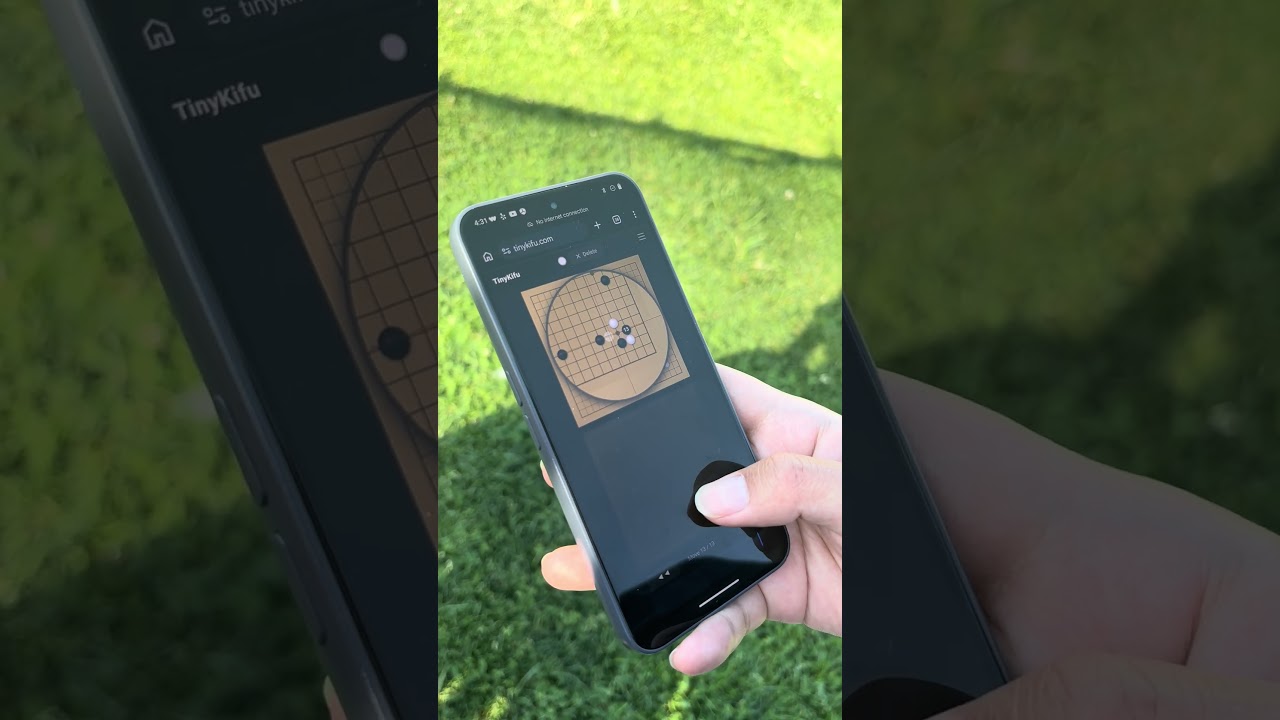
Recording a game on your phone during a tournament or outdoors is awkward – the board is tiny, your finger covers the intersection you’re trying to tap, and you end up placing stones on the wrong point. I got tired of it, so I built TinyKifu.
It’s a minimal web app (no install) designed specifically around accurate stone placement on a small screen.
Website: https://tinykifu.com
Demo video below. Feedback very welcome – especially from people who’ve struggled with the same problem.
Link:
7 Likes
This is a neat idea! I really like how it looks when zooming in. I’ve been playing lately with recording live games and I wouldn’t have thought of this. My current plan is just to use an iPad and make the undo button big…
When I tried out your site on mobile, I’m less accurate using tinykifu than I am pressing the intersection. I think as I release my finger it slides a bit and I keep ending up one square off.
Thanks for the feedback! May I ask what phone do you use? I will give a try myself. If it is consistently one square off, definitely some bug on the web
It’s a pixel 7, but I’m pretty sure it’s just user error and not a bug.
What I think happens is that the stone preview shows up when you’re anywhere which is closest to that intersection. But that means sometimes I’m trying to release right next to the boundary for the other stone.
That being said for me it’s a bit too responsive and precise. The stones still feel very close together in the zoomed in view on my phone. But I’m also not necessarily a potential or typical user since I’ve got my own place for recording games: so feel free to ignore the feedback altogether!
Ah I see now, it takes the coordinates exactly from the bottom board.
Since there are two boards neither one can take up the full screen width with this size of phone. So I actually have to be more precise to get the exact location since the intersections are actually closer together.
A few ideas that might help or might be totally annoying. Hard to say without getting hands on with the code:
- There could be a bit of a confirmation delay as I hover over a stone. Like a circle outline that fills up as I stay in that location and gives some visual indicator that the move is locked. Even a second would be plenty, 500ms might even be fine. Then if a move isn’t locked it just doesn’t place.
- You could separate out the movement from the mini board. That would let you move more slowly or over more space between stones. Of course with this you would lose the ability to navigate the whole board once zoomed, which at a minimum would mean you need a way for a user to not submit a move when zoomed in.
Thanks a lot for the input. For point 2, I did not use the “trackpad“ (the half transparent board at the bottom, I think you refer this as mini board) initially, I only had main board with the magnifier view. One issue I found was my finger, spots on the main board, and the magnifier view kept getting into each other’s way. So I added a “trackpad“ to isolate the movement hoping to get these three things to interact more gracefully